Running AI on Your Own PC: What Hardware You Need
October 11, 2026 · AI Mind Rush
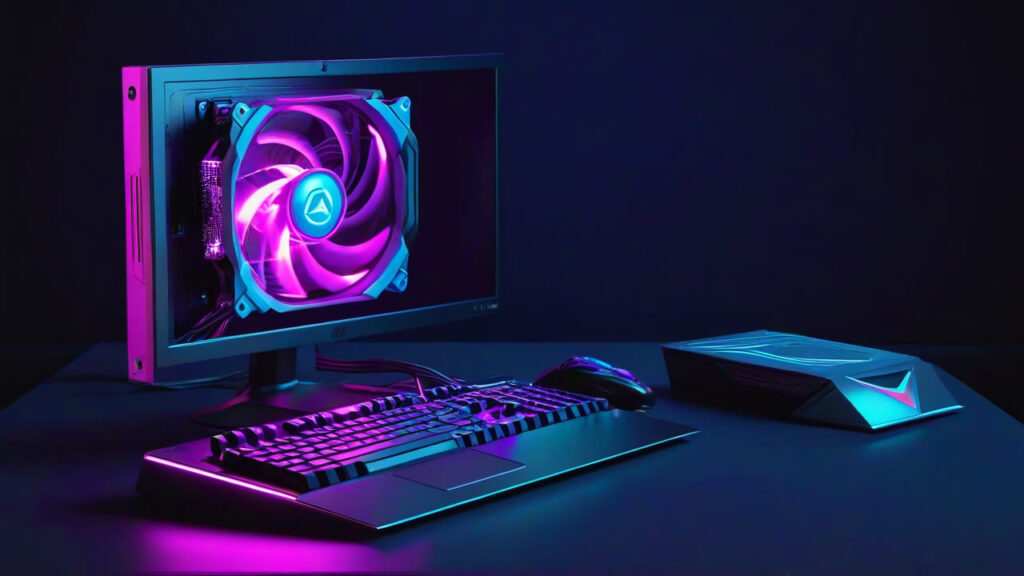
Most AI tools run in a browser and need nothing special. Running models on your own computer is different. It is private, has no monthly fee and works offline, but it depends heavily on one part: the graphics card.
Disclosure: our gear page contains Amazon affiliate links. As an Amazon Associate we earn from qualifying purchases.
Graphics memory is the limit
AI models load into the graphics card’s own memory, called VRAM. If a model does not fit, it either will not run or runs very slowly. As a rough guide:
- 8 GB: small language models and basic image generation.
- 12 to 16 GB: comfortable for image generation and mid-sized language models.
- 24 GB or more: larger models and some video generation.
Speed matters less than memory. An older card with more VRAM is often more useful than a newer one with less.
NVIDIA or AMD?
Most AI software is written for NVIDIA cards first, so they are the easiest to set up. AMD cards can do the same work and often cost less for the same memory, but expect more setup and the occasional tool that does not support them. We run an AMD card ourselves and it works, with some patience.
System memory and storage
- RAM: 32 GB is a sensible floor. Models that overflow the graphics card spill into RAM.
- Storage: models are large files, often several gigabytes each. A fast NVMe drive makes loading quick, and a large hard drive is cheap space for the ones you are not using.
Do you need a powerful processor?
Not especially. A mid-range processor from the last few years is fine. Spend the budget on the graphics card.
A second, small machine
Automation tools such as n8n do not need a graphics card at all. A small, low-power mini PC can run them around the clock for very little electricity, leaving your main PC free.
Free software to start with
- Stable Diffusion and FLUX models for images.
- Upscayl for enlarging images, which runs on modest hardware.
See the parts we mean on the AI gear page.
This post may contain affiliate links. We may earn a commission at no extra cost to you. Learn more
Get the AI Mind Rush weekly
New AI tools + the week's AI news in 3 minutes. Free cheat sheet when you join.